Authorize
Reserve a vehicle or assign access. Your configured workflow determines who can collect which key.
ELECTRONIC KEY CABINETS & LOCKERS
Stop coordinating every key handoff. Fleetwaro connects shared-vehicle reservations with electronic key access, so authorized drivers can pick up and return keys on their schedule.
Plan my key-management setup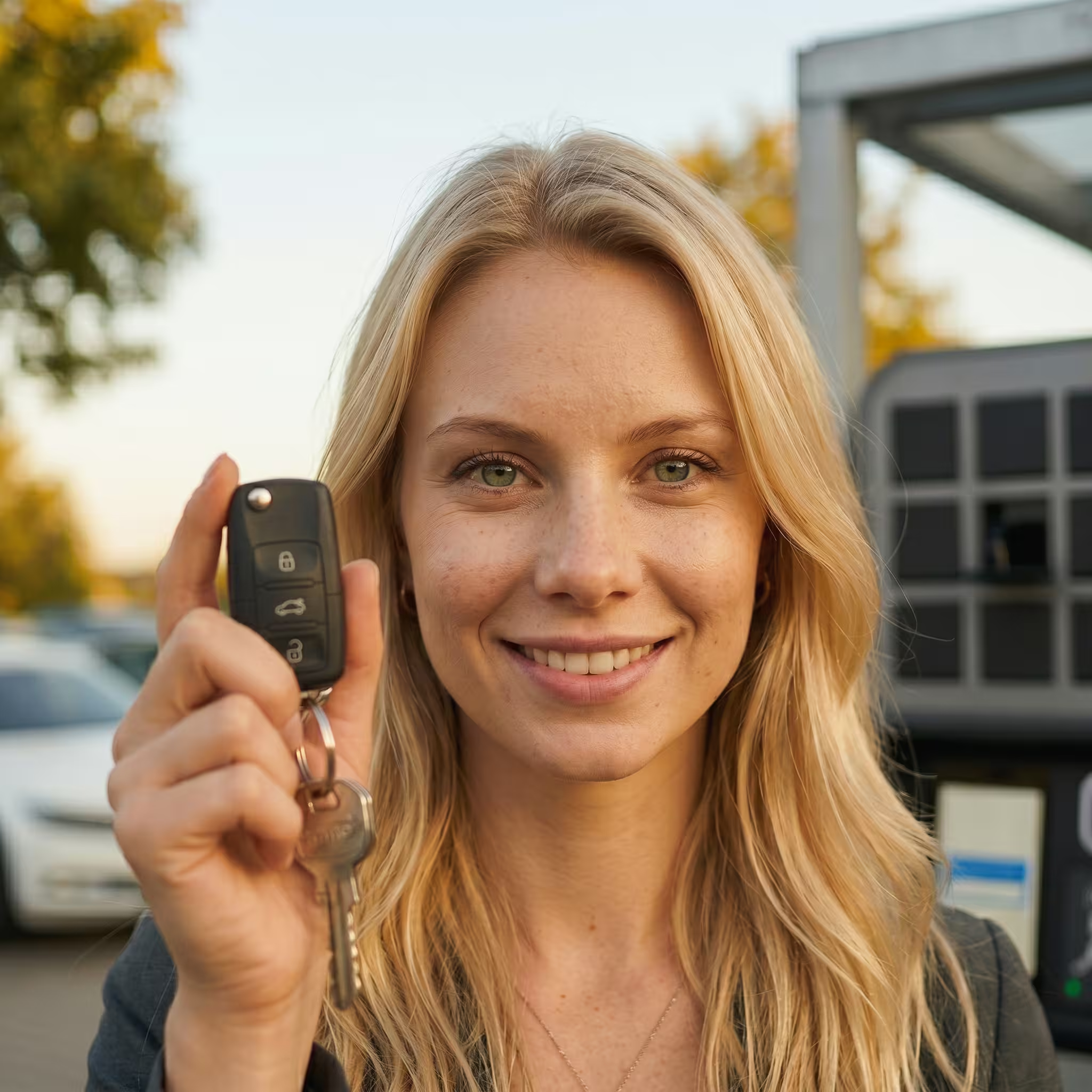
FROM BOOKING TO KEY HANDOFF
A practical workflow for company cars, motor pools, and fleet locations.
Reserve a vehicle or assign access. Your configured workflow determines who can collect which key.
The driver uses the approved access method at the cabinet. The assigned key is available without a front-desk handoff.
Return the key to its compartment. Digital records give managers visibility into the exchange and the next pickup.
OUR KEY-MANAGEMENT PARTNER
Through our partnership with Keycafe, we bring electronic key management into Fleetwaro fleet workflows. Connect vehicle reservations and driver access with a practical SmartBox pickup and return experience.
Keycafe provides cloud-based permissions, modular key storage, and a digital history of key exchanges. Its API supports integration with business systems. We scope the hardware, software connection, and access rules around your operation.
Connected workflowsLink reservation and access processes through the agreed integration.
Modular capacityAdd key storage as your fleet or locations expand.
Accountable handoffsControl permissions and review pickup and return events.
Operational resilienceExplore battery backup and recovery options for your chosen hardware.
LESS HANDOFF ADMINISTRATION
Replace limited pickup hours, unclear ownership, and manual coordination with one managed process.
Enable authorized key pickup and return around the clock. Drivers can start their trips without waiting for a staffed desk.
Assign access to the keys a driver needs. Reservation-based PINs and configured permissions help keep handoffs controlled.
Digitally record pickups and returns. Give your fleet team a clear view of key holders and handoff history.
Link vehicle reservations with key access so the driver, booked vehicle, and pickup workflow stay aligned.
Administer key access online across sites. Cloud-based management avoids running a local key-management server.
Start with a base station and add compatible expansion units. Select capacity and compartment sizes for your vehicles and locations.
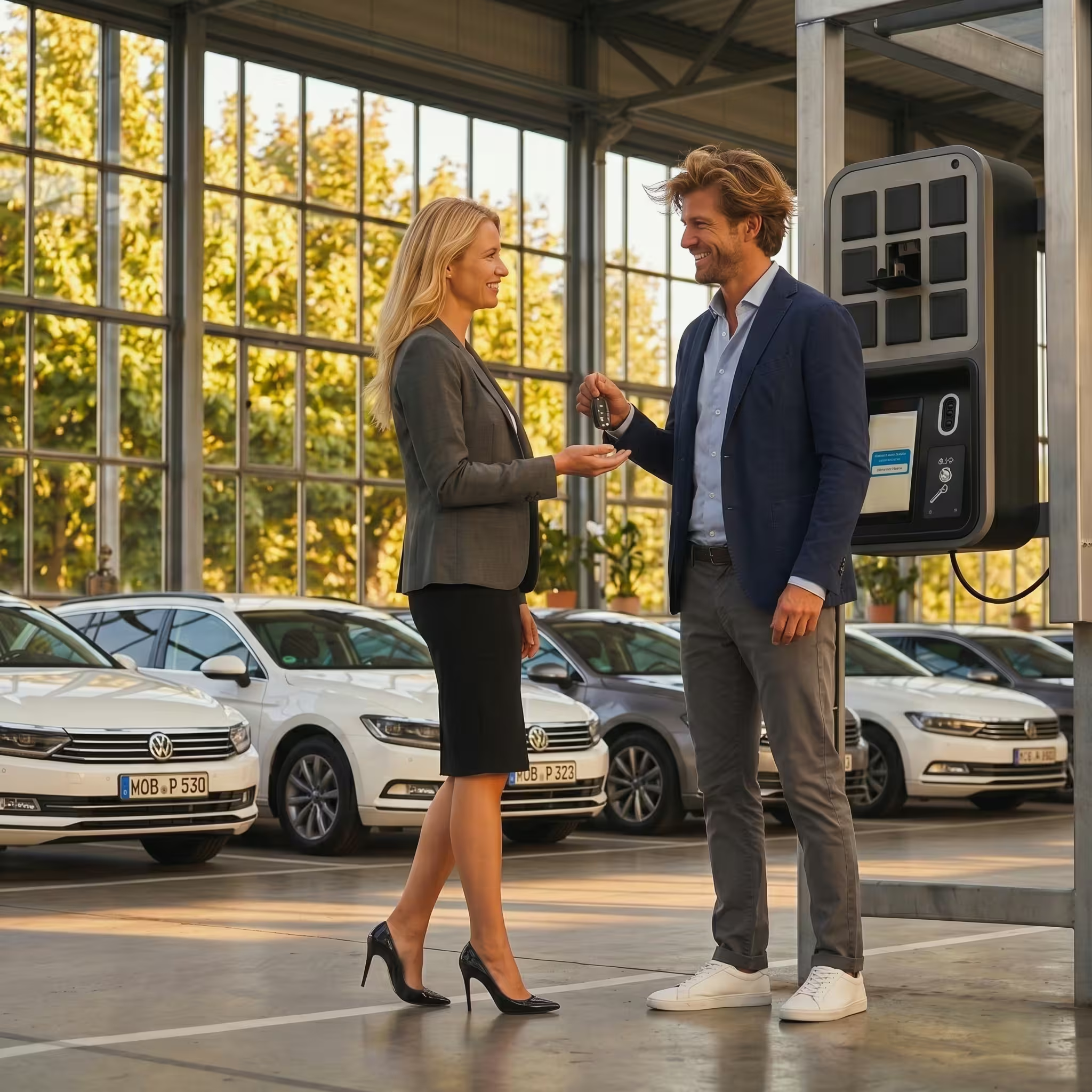
Keep vehicle keys available to authorized staff without making every handoff a task for the office team.
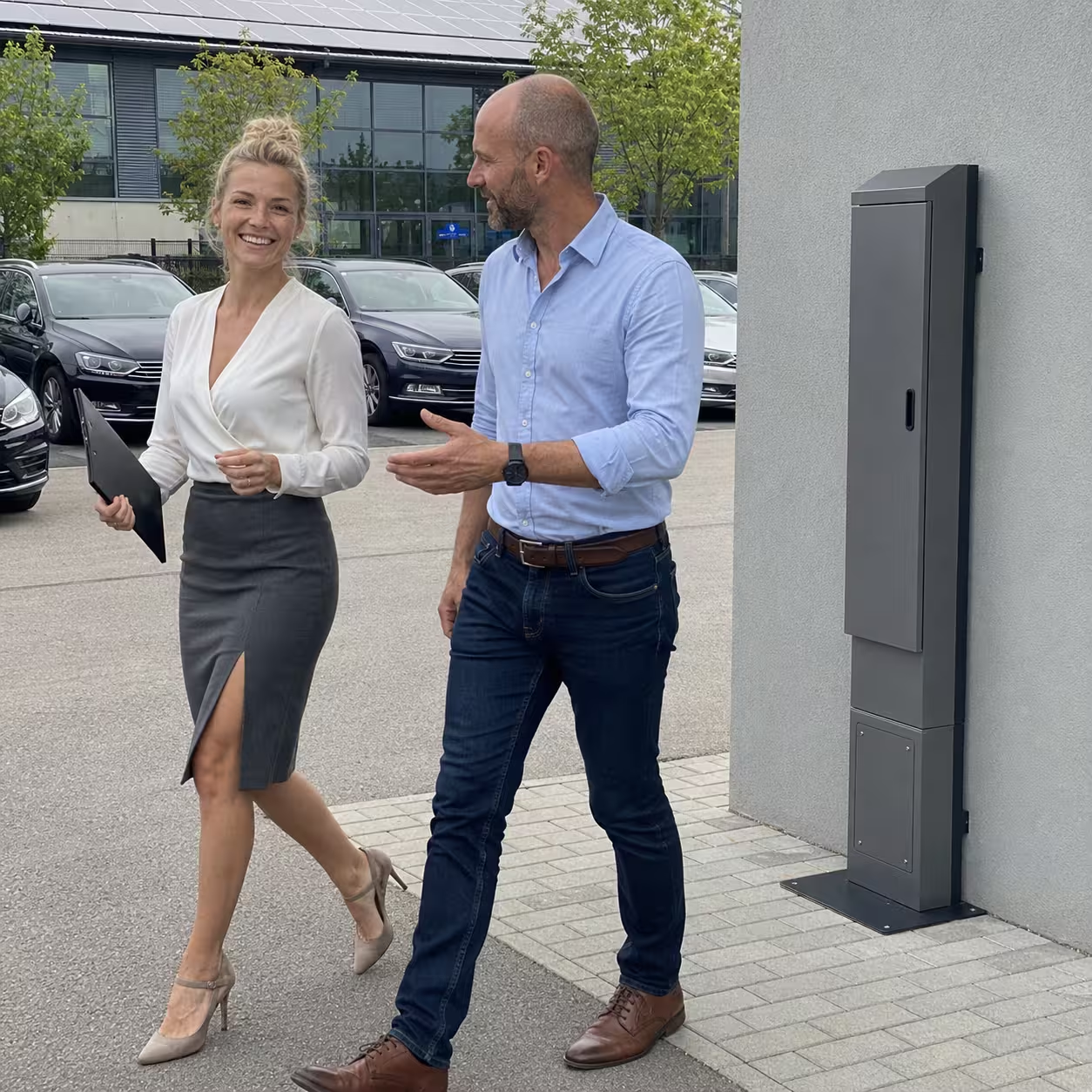
Place a suitable outdoor installation close to the parking area and make pickup and return part of the driver’s routine.
START SMALL. ADD CAPACITY.
Select a base station, expansion modules, and enclosure for your key inventory. The options below illustrate configurations from our fleet key-management range; current model specifications and US availability are confirmed in your proposal.
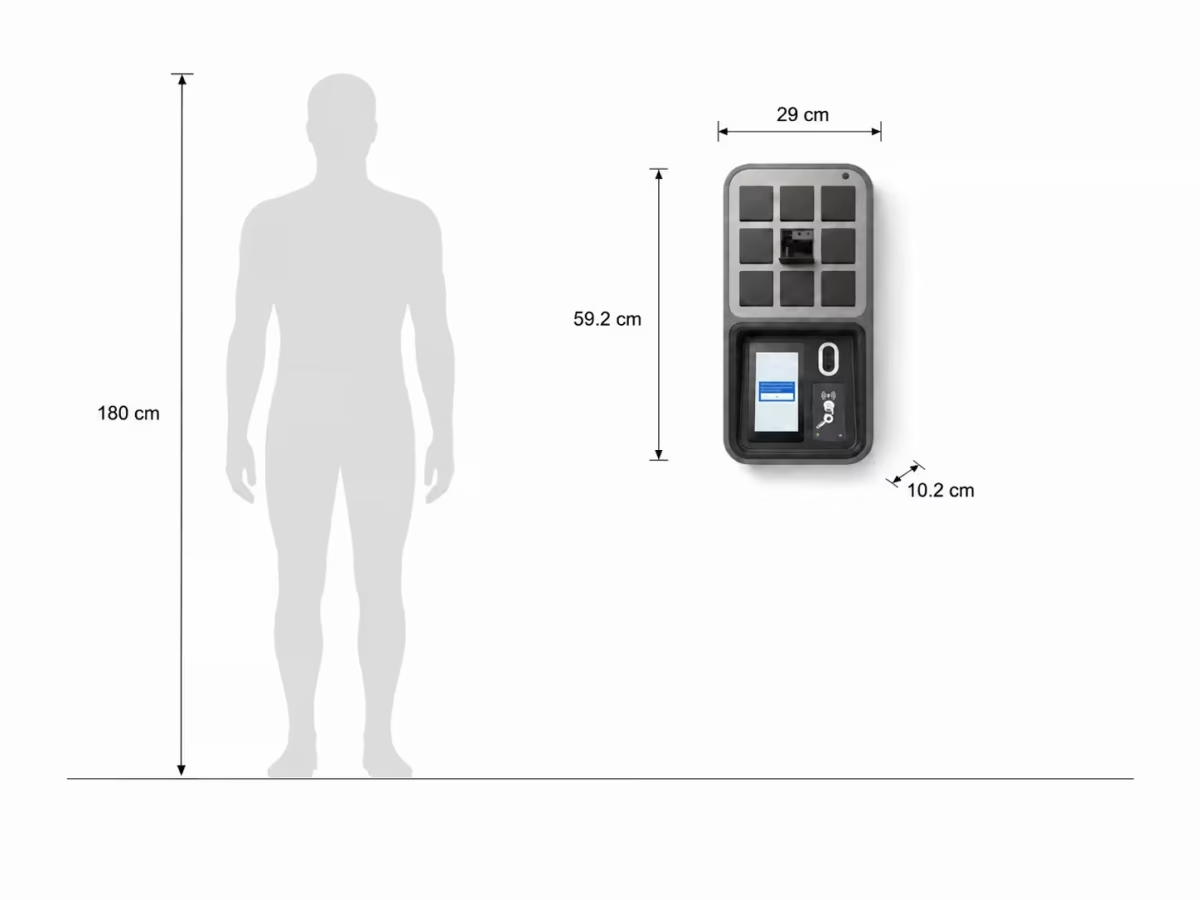
Start with 9 key compartments, a touchscreen, a scanner, and a camera. The base station handles access and connects the cabinet to online management.
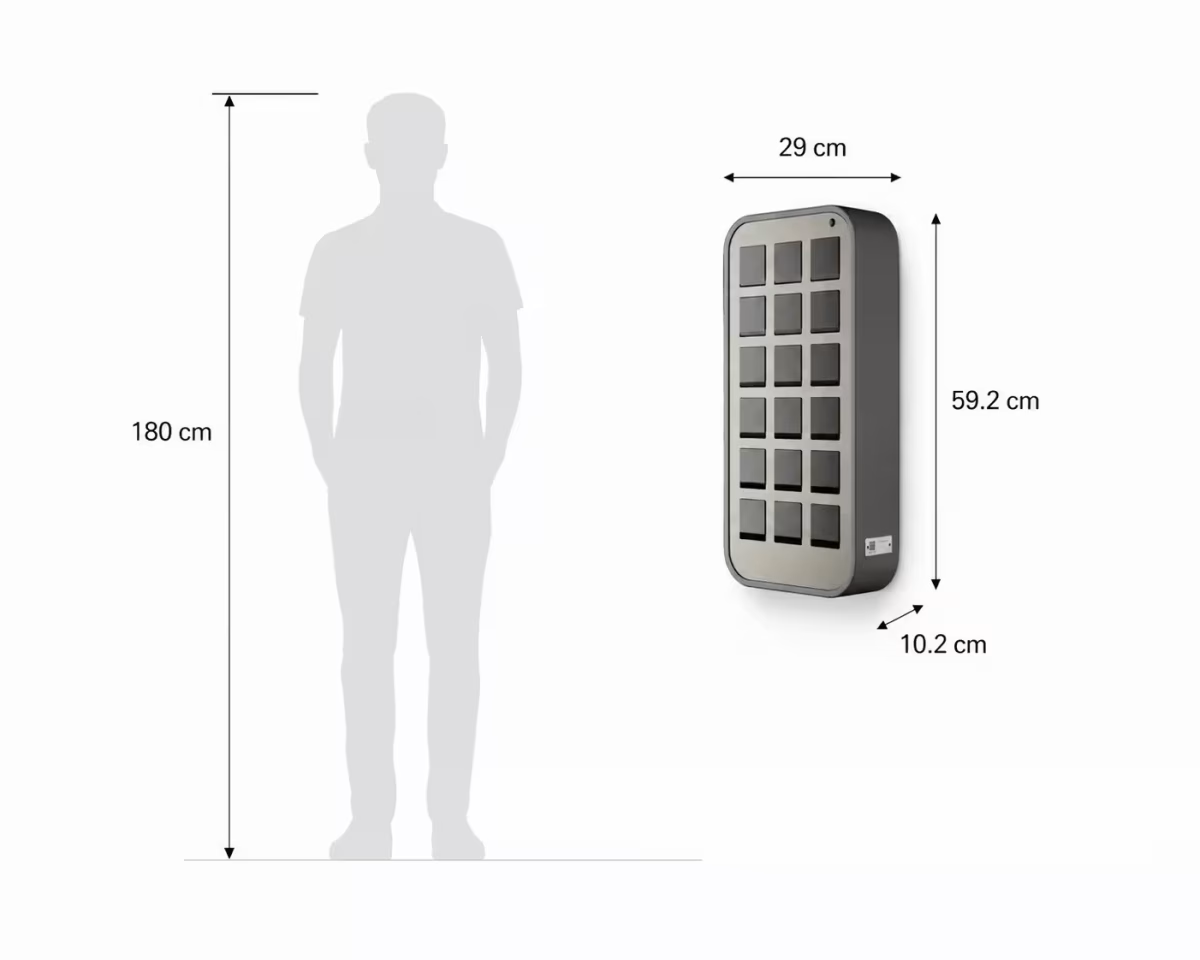
Add storage capacity alongside the base station as more vehicles join your shared fleet.
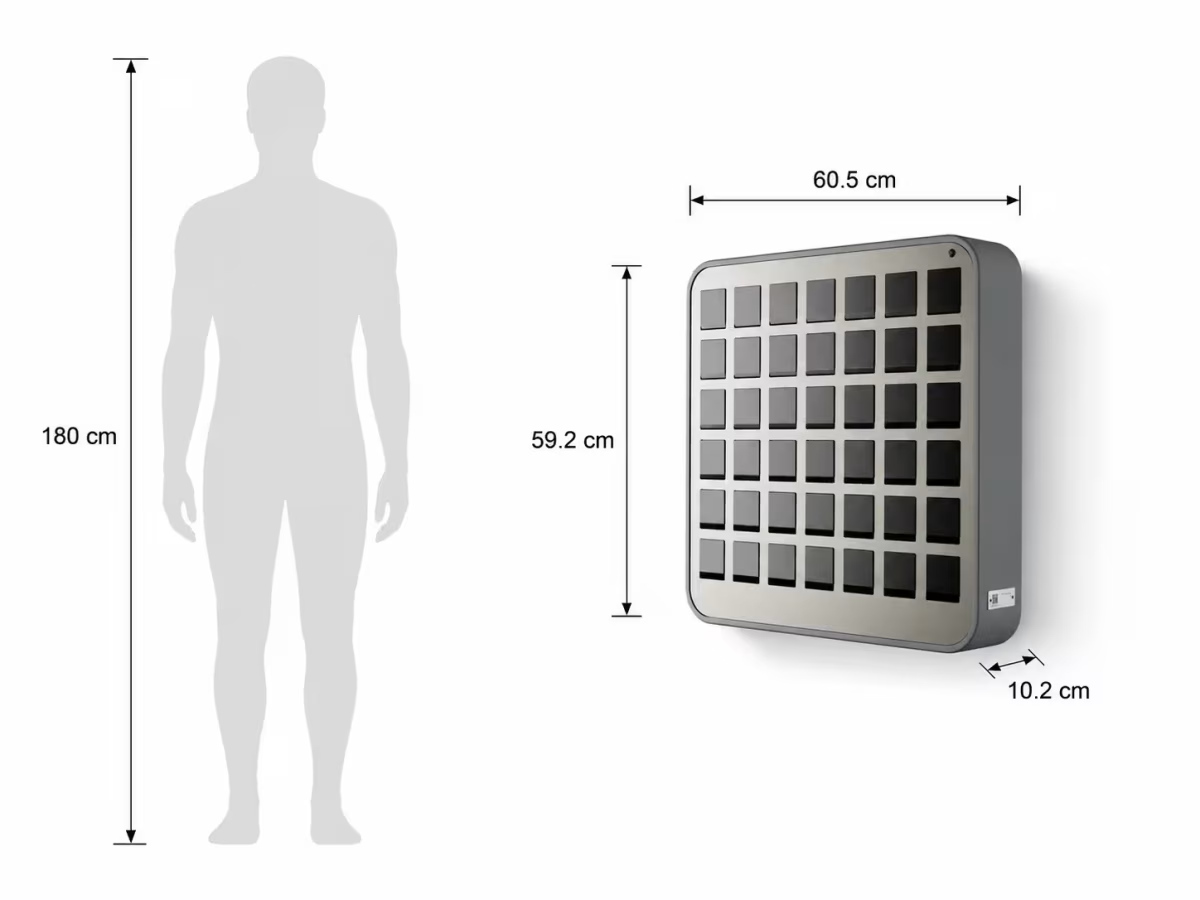
Accommodate larger key inventories with a higher-capacity expansion unit.
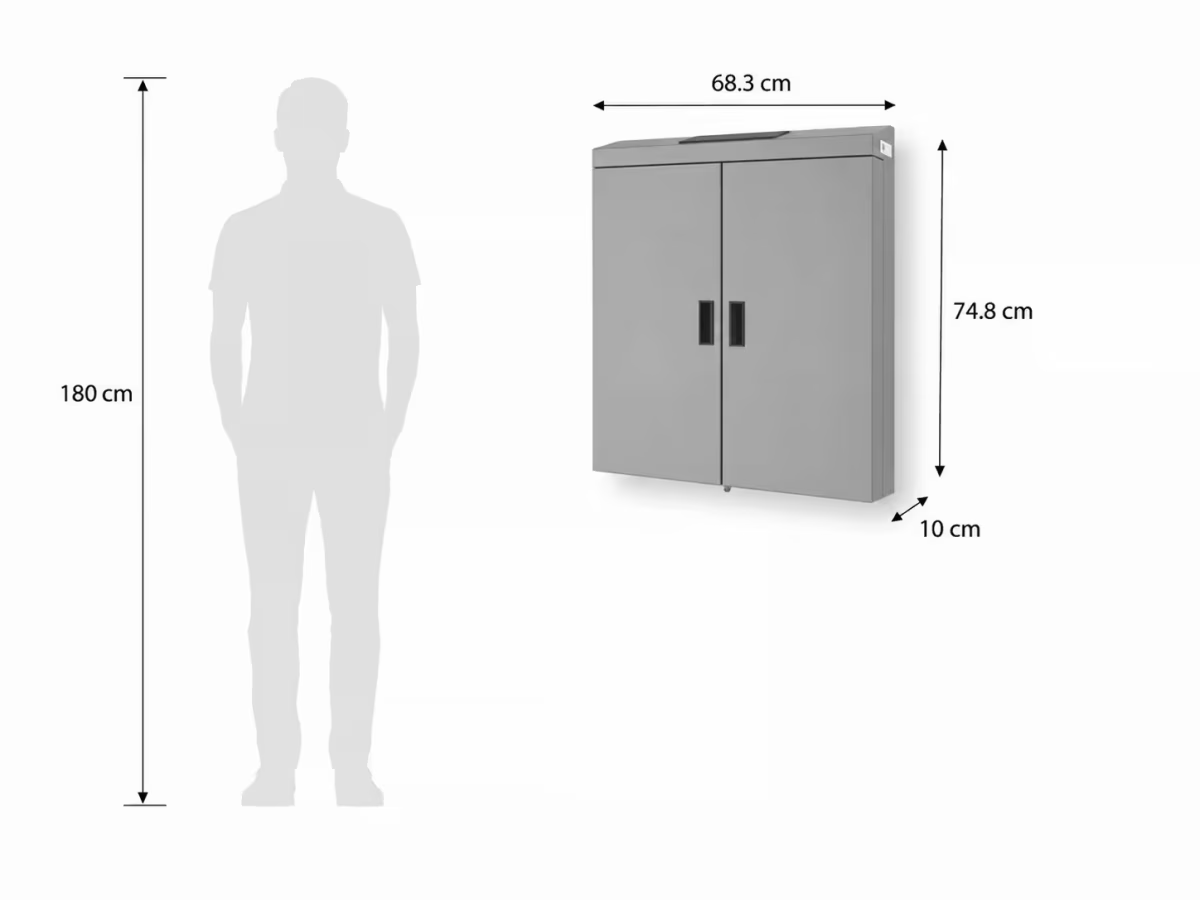
Choose a suitable enclosure to secure the installation and protect hardware at the pickup location.
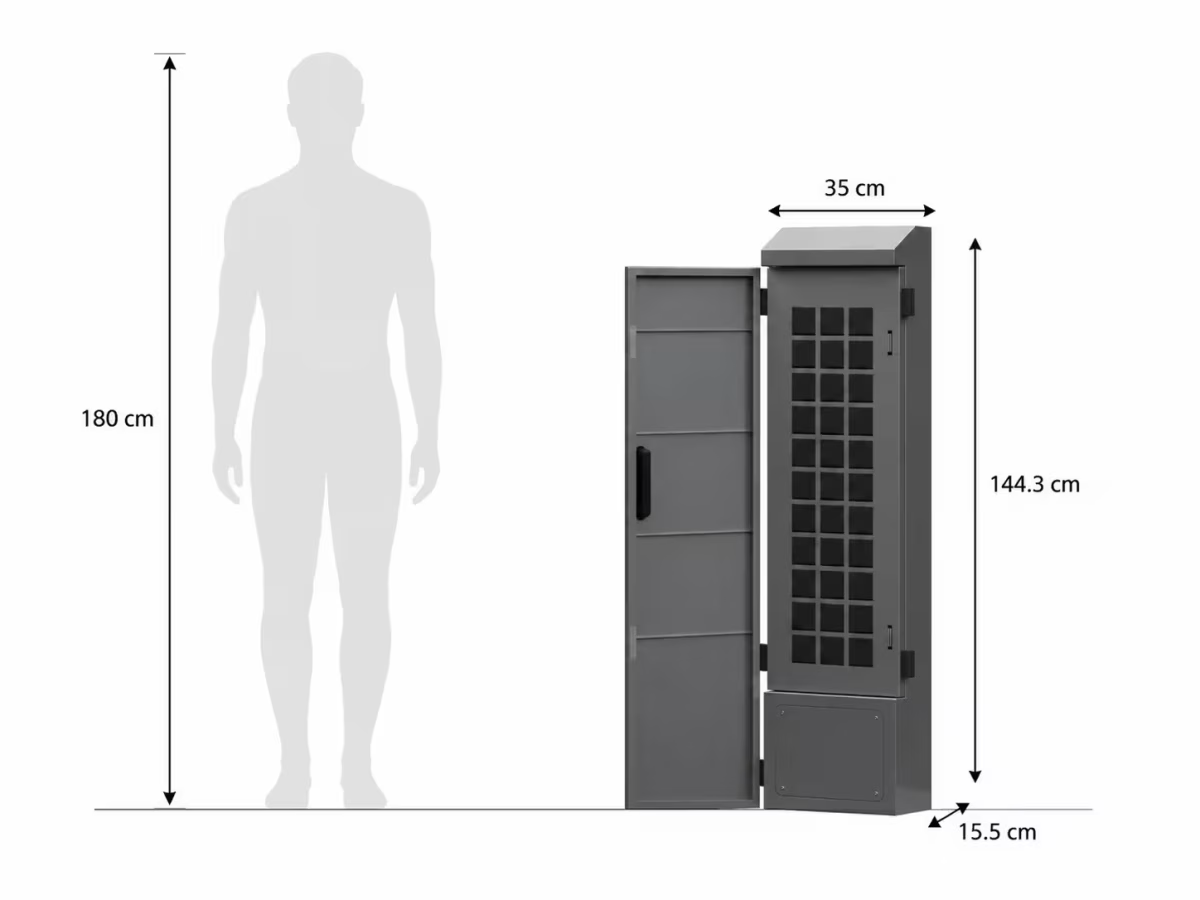
Bring key handoffs closer to the parking area with an outdoor-rated setup. Enclosure and climate requirements are selected for the site.
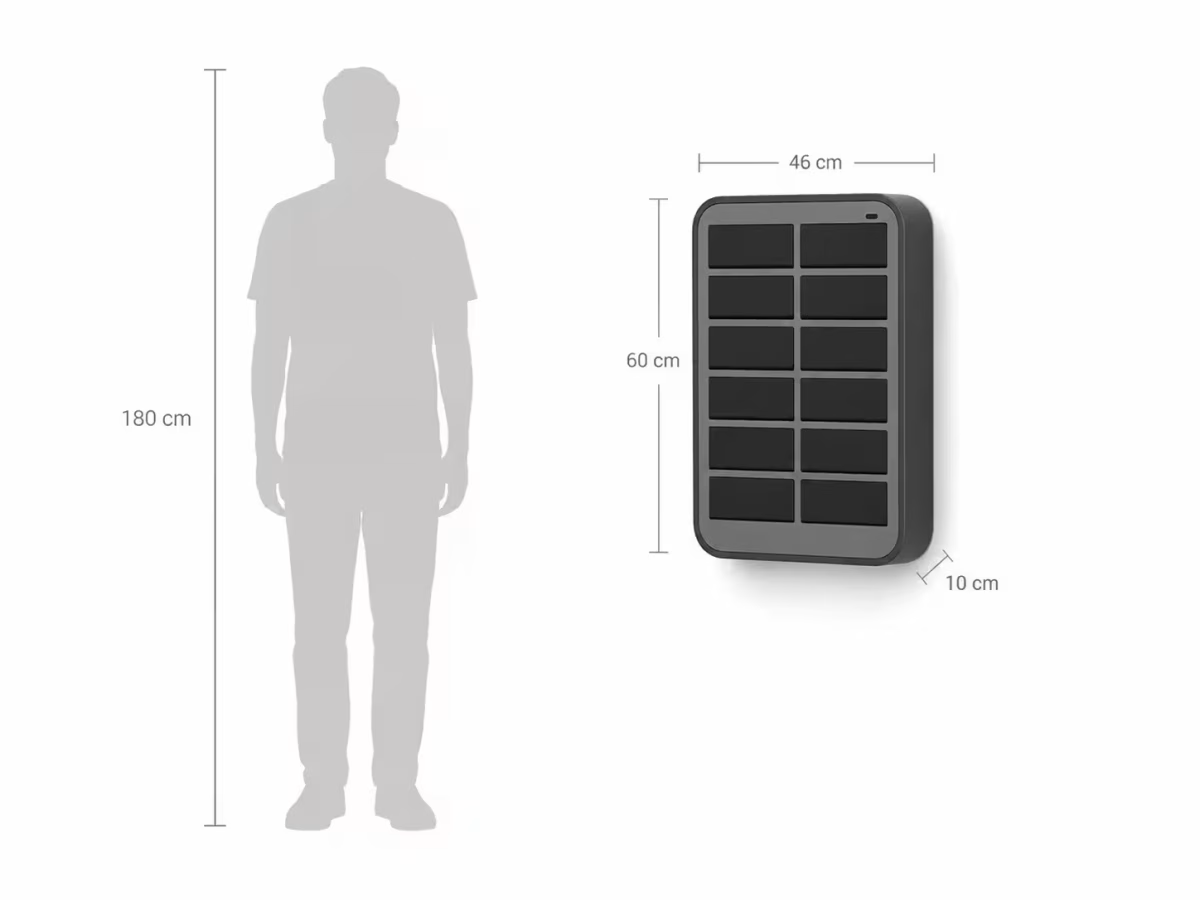
Explore wider lockers for larger key rings, vehicle documents, or devices. Compartment sizes and supported items depend on the selected hardware.
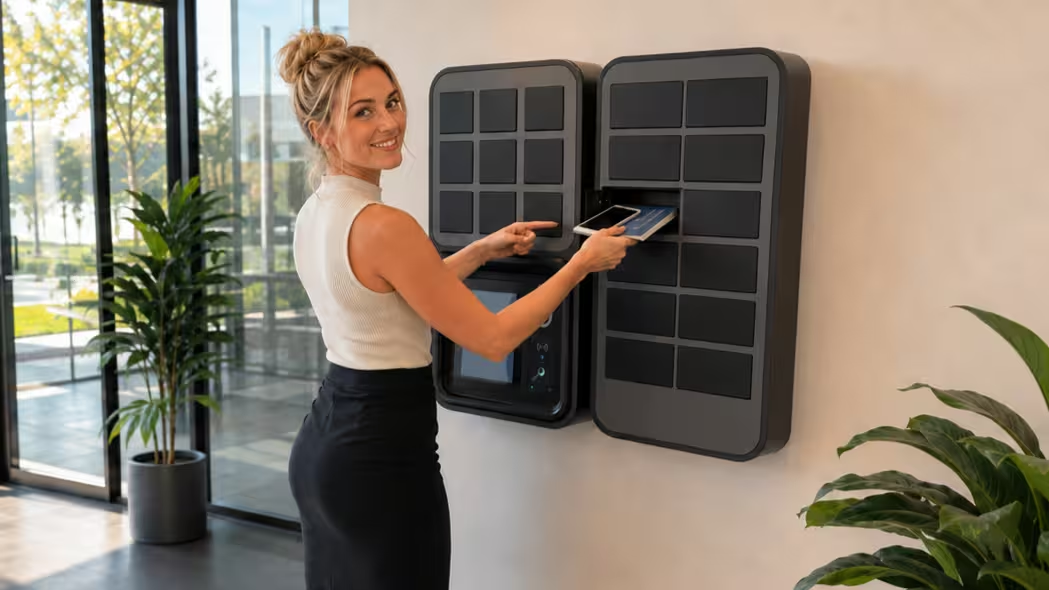
Keys, vehicle documents, and approved devices can share a managed pickup workflow when the selected compartments accommodate them.
View current Keycafe specificationsONE CONNECTED FLEET WORKFLOW
Let employees reserve vehicles online, then connect the booking with authorized key access.
Explore pool-car managementConnect your shared fleet with vehicle-based trip recording and intelligent wireless driver tags.
Explore mileage featuresKEY-MANAGEMENT QUESTIONS
The driver authenticates at the cabinet using the configured access method, such as a booking PIN. Only the authorized compartment opens. Pickup and return events are recorded digitally.
Administrator access can be configured for the fleet team. Permissions and recovery procedures are agreed during setup so staff can resolve operational issues.
A suitable mounting location, power, and supported connectivity. Depending on the selected hardware, connectivity can use Wi-Fi, Ethernet, or an optional cellular connection. A cellular setup can avoid running a network cable to the cabinet.
Compatible Keycafe hardware provides battery backup and offline or failsafe access capabilities. We confirm the selected model’s behavior, recovery process, and operating limits before installation.
Some locker configurations can hold larger key rings, documents, or devices. Key compartments and wider asset lockers have different sizes and capabilities, so we match the hardware to the items you need to manage.
Yes, with an appropriate outdoor configuration. Required enclosure, weather protection, and heating depend on the hardware and site conditions. Indoor equipment should not be exposed directly to the elements.
We prepare a quote covering cabinet hardware, expansion modules, installation requirements, software, connectivity, and Fleetwaro integration. Scope and US availability are confirmed before you order.
Tell us how many keys you manage, where drivers pick them up, and which booking system you use. We’ll help you plan a connected setup.
Request a key-management demo